

Lumacare has partnered with Flex to enable customers to check out with their Health Savings Account (HSA) or Flexible Spending Account (FSA).

SHOP YOUR FAVORITES
HSA/FSA ELIGIBLE PRODUCTS
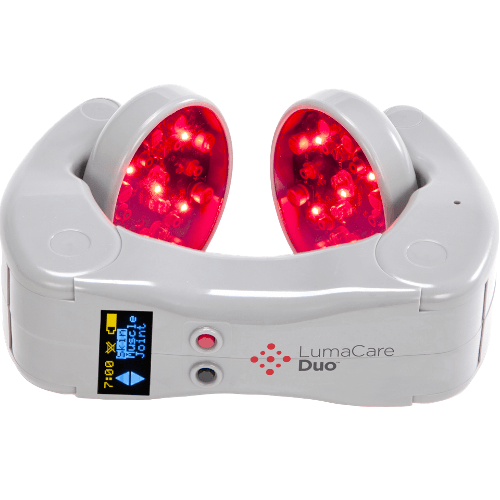
MAXIMIZE YOUR PRE-TAX DOLLARS
HSA/FSA Payments with flex

1

2

3
Enter your HSA/FSA card details.
HSA/FSA Subscriptions
Subscribe Now, Get Reimbursed Later
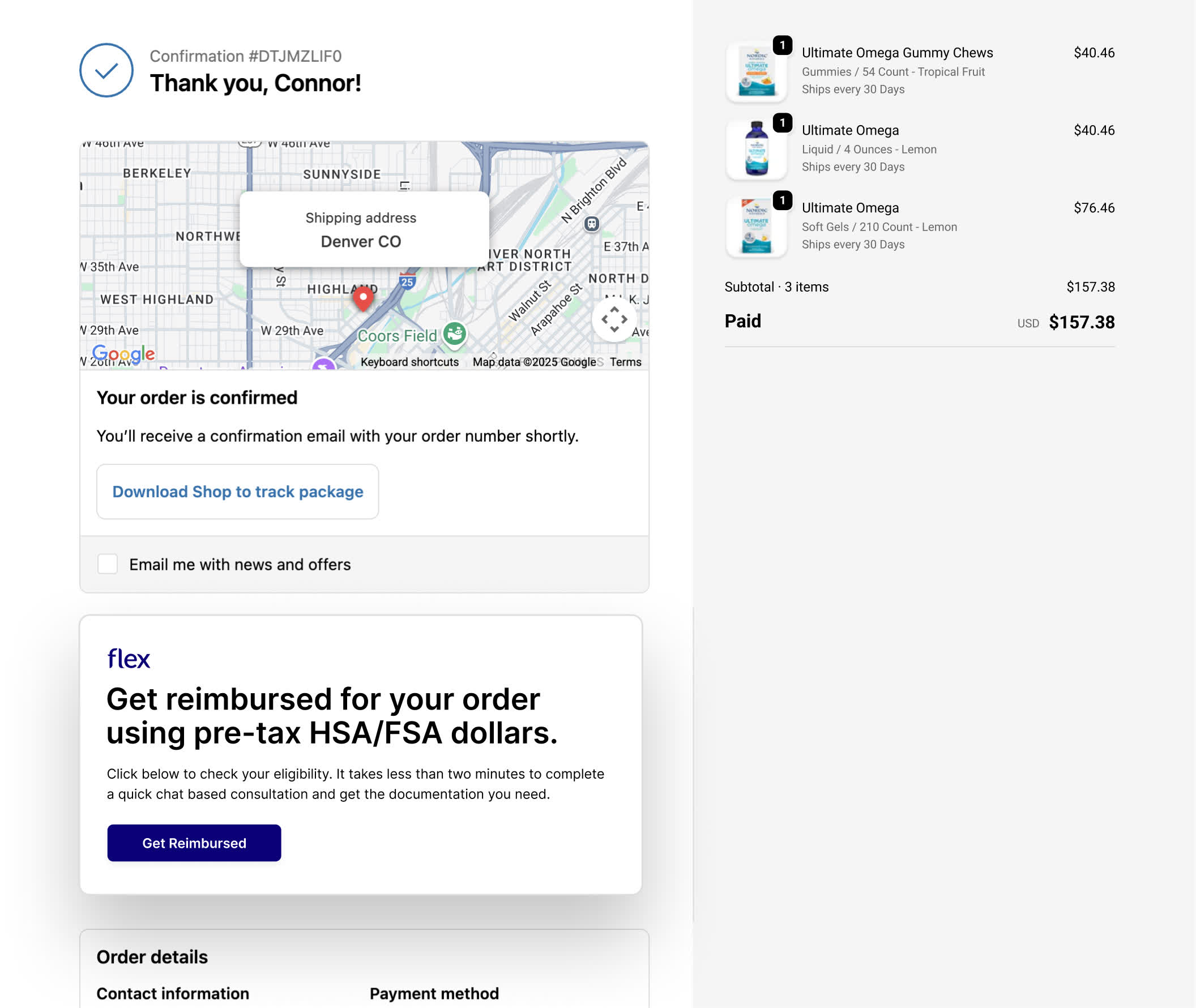
Use a standard payment method at checkout
Select the ‘Get reimbursed’ from the thank you page
Receive a Letter of Medical Necessity to submit your claim

let us help
Frequently asked questions
For more information, check out our FAQs below or reach out to info@shoplumacarelasers.com
What is Flex and what is their relationship with LumaCare?
LumaCare has partnered with Flex to allow you to use your Health Savings Account (HSA) or Flexible Spending Account (FSA). This means you can now use your HSA or FSA debit card to buy LumaCare Duo with pre-tax dollars, resulting in net savings of 30-40%, depending on your tax bracket.
How do I pay with my HSA or FSA card?
To use your HSA or FSA debit card, add products to your cart as usual. At checkout, select “Flex | Pay with HSA/FSA” as your payment option, enter your HSA or FSA debit card, and complete your checkout as usual. If you don’t see “Flex | Pay with HSA/FSA,” you may be in Shop Pay. Select “checkout as guest” to view more payment options.
What if I don't have my HSA/FSA card available?
If you don’t have your HSA or FSA card handy, still select “Flex | Pay with HSA/FSA” as your payment method. Enter your credit card information and log in to the consumer portal at withflex.com/portal using the same email you used at checkout to download an itemized receipt to submit for reimbursement.
Why can't I see Flex as a payment method?
The key here is to make sure you are logged out of ShopPay. One of the easiest ways to do this is to go through checkout in an incognito window.
Why is my HSA/FSA card being declined?
HSA/FSA cards are debit cards, and the most common reason for declines is insufficient funds. Reach out to your HSA/FSA administrator to confirm your balance.
I submitted my Flex itemized receipt for reimbursement and my FSA requires more information.
Please forward us the request from your FSA, and we will work with the Flex team to issue you a new receipt.
Help! I didn't receive an email from Flex with my itemized receipt and/or letter of medical necessity. What should I do?
Please log in to the consumer portal at withflex.com/portal using the same email you used at checkout to download all the documents needed for the product you purchased. If you still need help, please email support@withflex.com and let them know the email address associated with your order.
I would like to use multiple HSA/FSA cards to pay for an item. Can I do that?
No, unfortunately, this isn’t a supported feature right now. If there are insufficient funds in a single HSA or FSA account, you can instead enter a credit card on the Flex checkout page. You can then log in to the consumer portal at withflex.com/portal using the same email you used at checkout to download an itemized receipt and/or Letter of Medical Necessity, which you can submit for reimbursement.
My purchase receipt from Lumacare has a different number than what my FSA was charged. How can we resolve it?
Thanks for reaching out, and apologies for the discrepancy. We’ll review the charges and get back to you with details of the likely refund shortly.
Is sales tax covered by HSA/FSA funds, or is it treated separately?
Sales tax for eligible items is also covered by HSA/FSA funds. If the customer has a split cart, the tax will be divided among the cards based on the items.